Style 01
Direction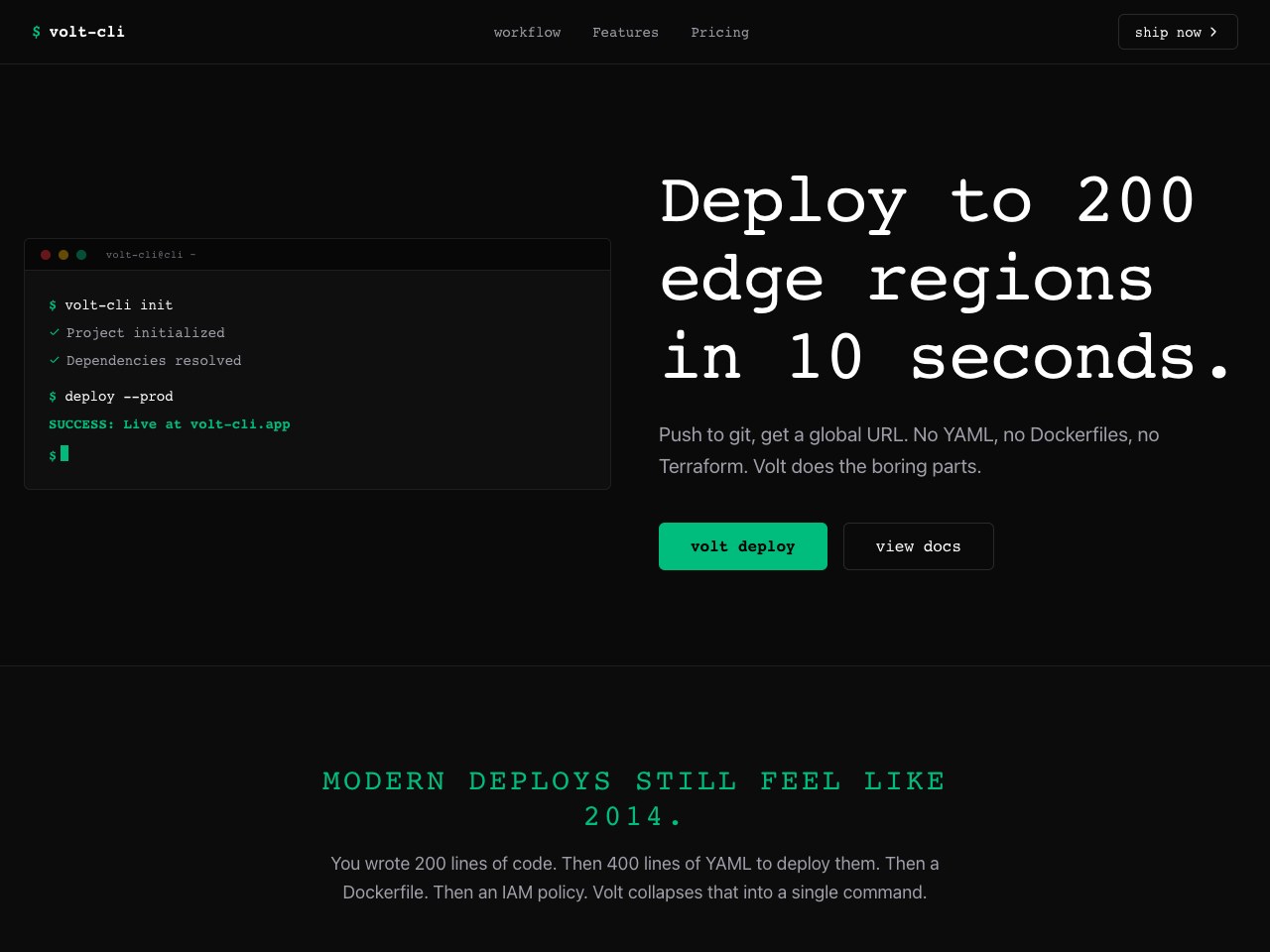
Terminal and API docs
Developer Dark
Terminal aesthetics, emerald accents
Best for APIs, infrastructure, devtools
Niche archive
Terminal-forward and docs-style aesthetics among eight options. Own the code for $29.
Style 01
DirectionTerminal and API docs
Terminal aesthetics, emerald accents
Best for APIs, infrastructure, devtools
Style 02
Direction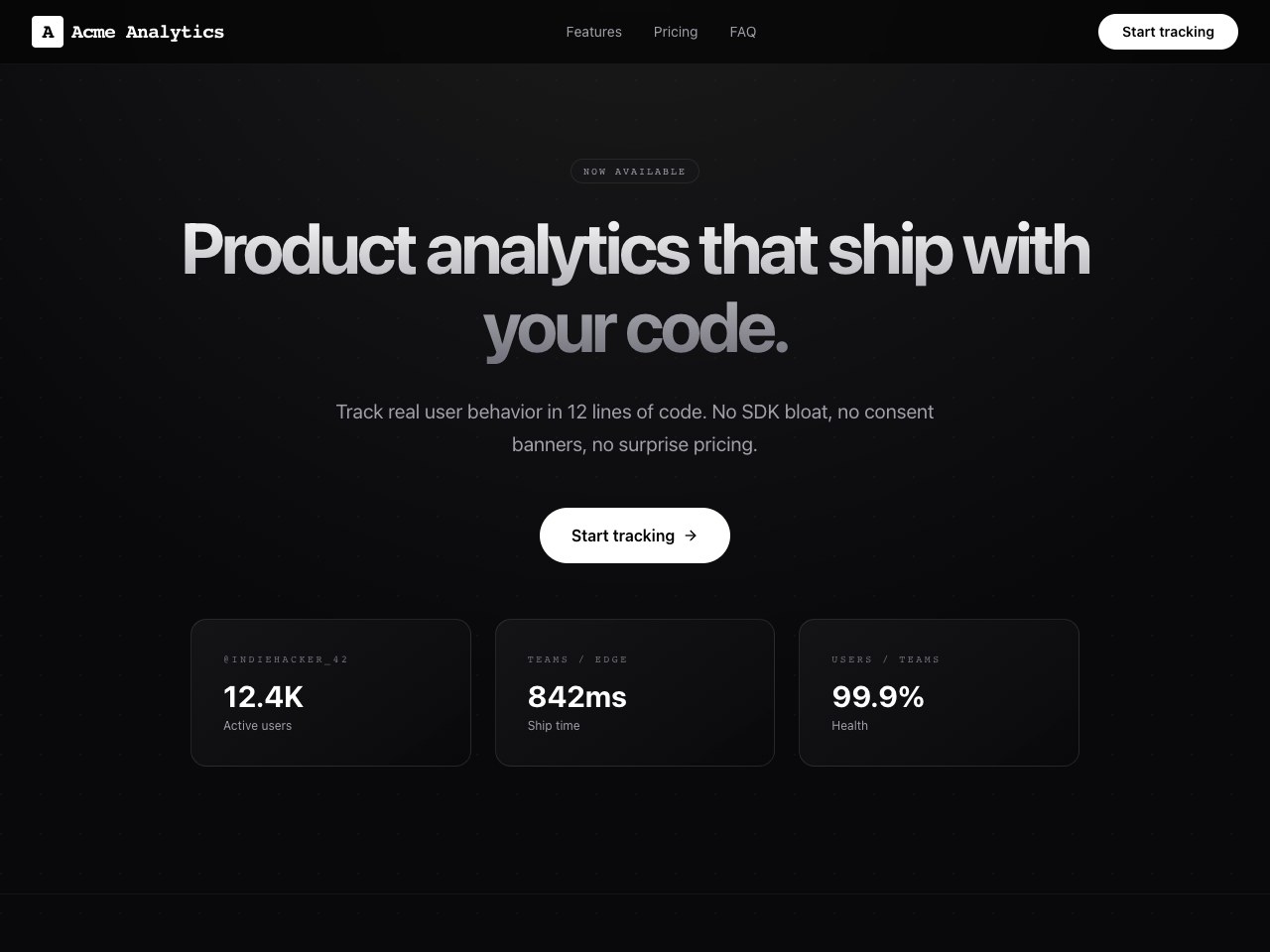
Dark precision UI
Pure black, sharp typography
Best for AI products, analytics, technical tools
Style 03
Direction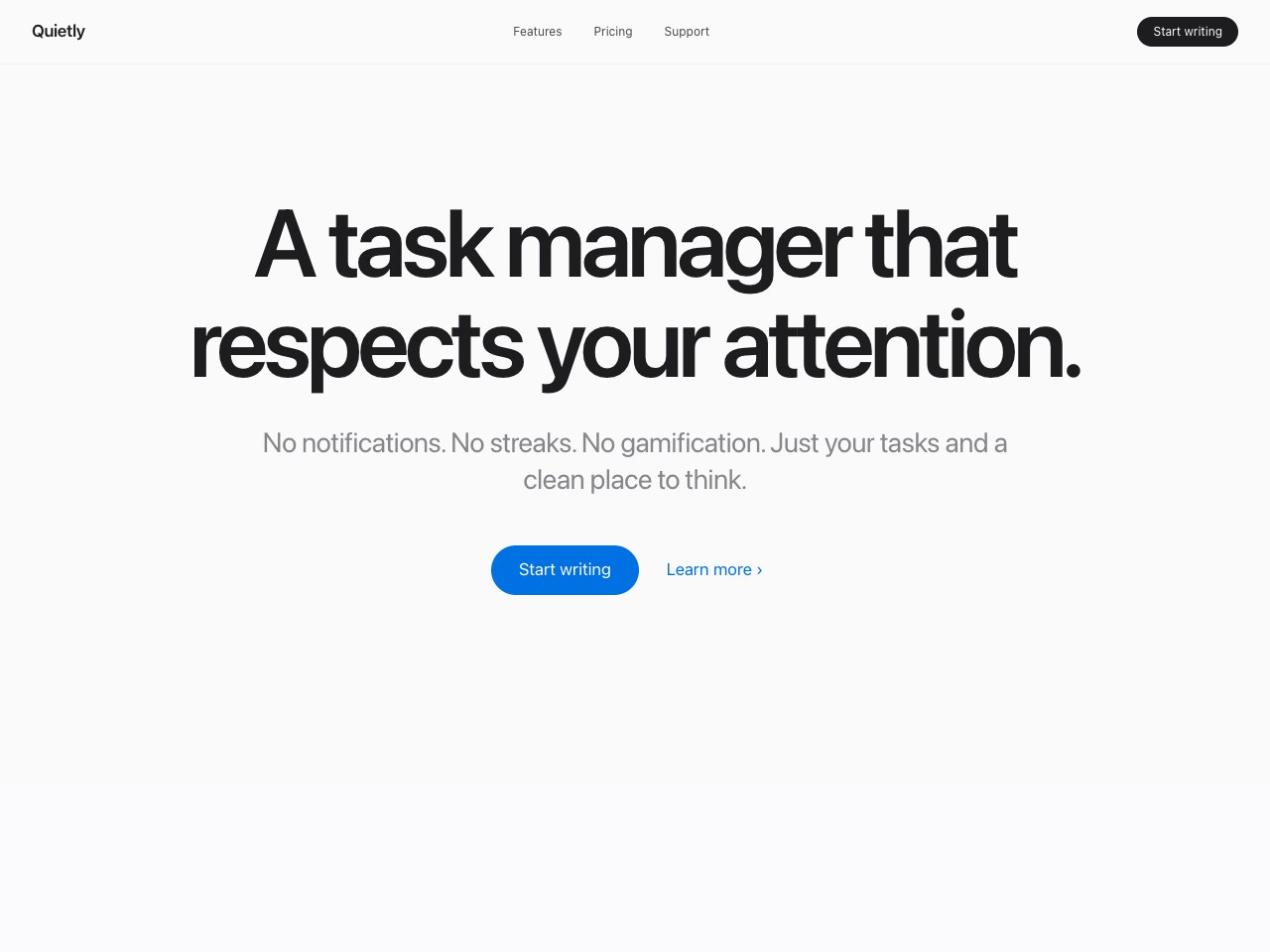
Quiet whitespace
Maximum white space, oversized type
Best for Productivity, consumer apps, services
Style 04
Direction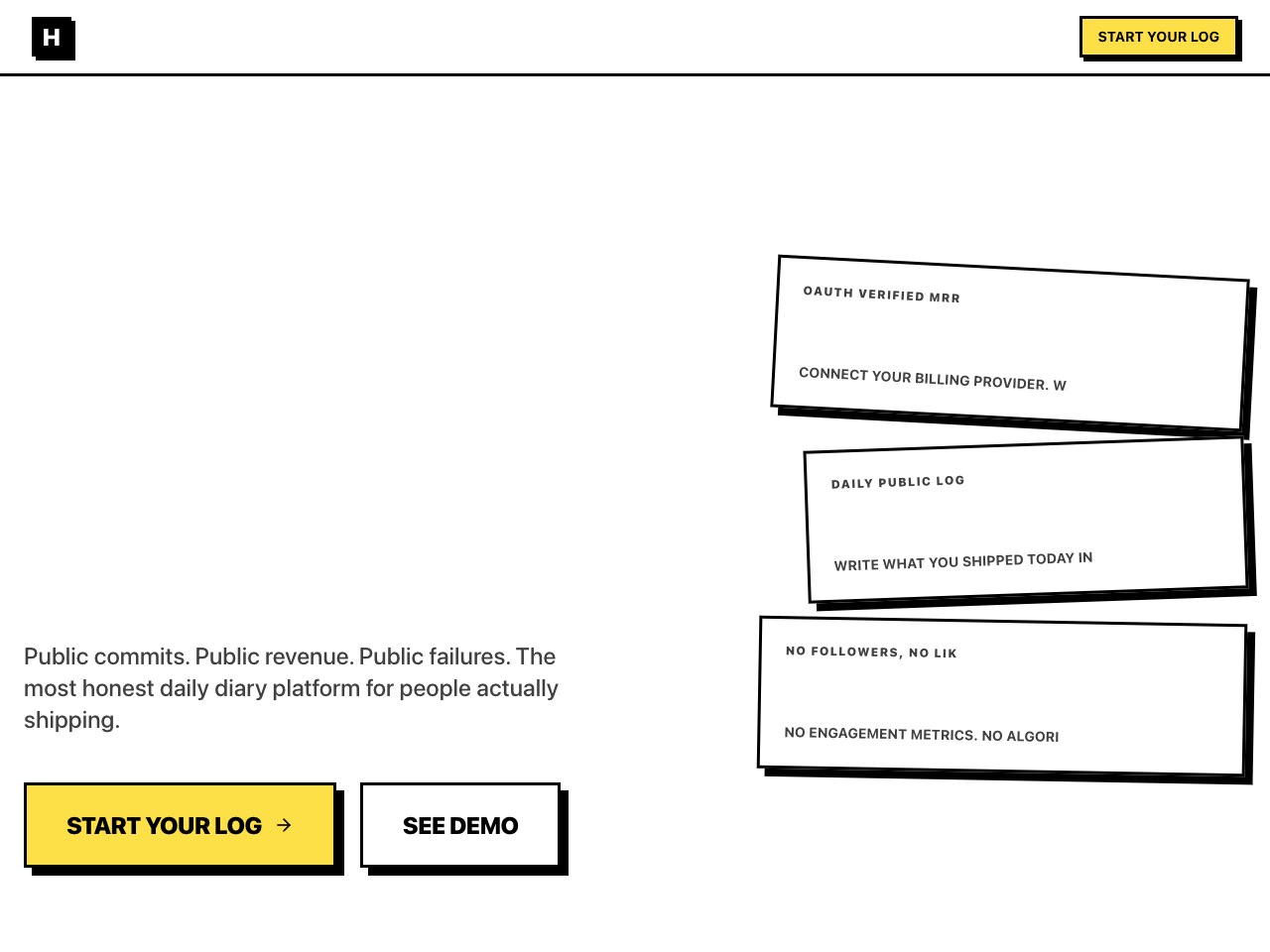
Bold indie contrast
Thick black borders, vintage yellow, hard shadows
Best for Waitlists, creator tools, indie products
Niche brief
Point 01
Styles that match how devs browse: crisp docs hierarchy, code-forward accents, high signal density.
Point 02
Sections that map to dev buying questions: install, integrations, security, and pricing clarity.
Point 03
Ship-ready Next.js output so your landing can evolve with your product roadmap.
Common questions
Yes. The layouts are built to highlight endpoints, quickstarts, and developer workflows.
You can go from idea to a polished landing structure in about a minute, then refine in code.
You fully control the codebase after export—fonts, colors, components, and content are yours.
Related archives